
- Home
- Free invitation tools
- RSVP Message Generator
RSVP Message Generator
Ask guests to RSVP, send a polite reminder, or reply yes or no to an invitation — in a tone that fits.
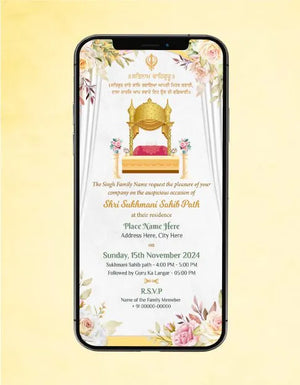
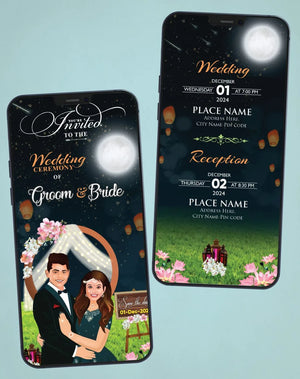
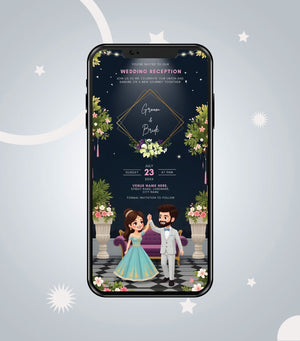
Send your invitation in a professional InviteMart design
Pick a design, paste your wording and our designers personalise it. First draft on WhatsApp within 4–6 working hours for eCards, about 24 working hours for videos.
Browse WhatsApp Wedding Invitation →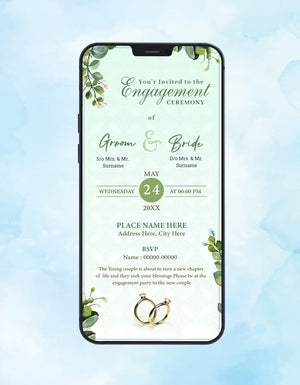
How to use
- Choose what you want to do: ask guests to RSVP, remind them, or reply to an invitation.
- Enter the event, your name, the event date and the RSVP-by date.
- Tap Generate and send the message on WhatsApp.
RSVP tips for Indian events
- Ask for the number of guests and any food preferences (Jain, vegan, allergies).
- Give a clear RSVP-by date — usually a week or two before the event.
- Use a WhatsApp broadcast list so replies come to you privately.
- Add a WhatsApp RSVP QR code to your card with our QR code generator.
Frequently asked questions
Is this tool free?
Yes. It is completely free, needs no sign-up, and runs in your browser — nothing you type is sent to us.
Can I add RSVP details to my invitation design?
Yes. Add the RSVP name and number in the wording box when you order a WhatsApp wedding invitation or any other design.
More free invitation tools
- Wedding Invitation Wording Generator
- Hindi Invitation Wording Generator
- Griha Pravesh Message Generator
- Nikah Invitation Message Generator
- Birthday Invitation Message Generator
- Wedding Hashtag Generator
- Save the Date Generator
- WhatsApp Invitation Message Generator
- QR Code Generator for Invitations
- Wedding Countdown Generator
- All free tools