
- Home
- Free invitation tools
- QR Code Generator for Invitations
QR Code Generator for Invitations
Make a free QR code for your venue location, RSVP on WhatsApp or any link, and download it as PNG or SVG.
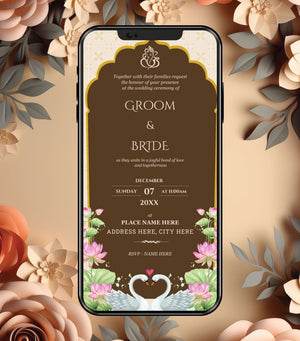
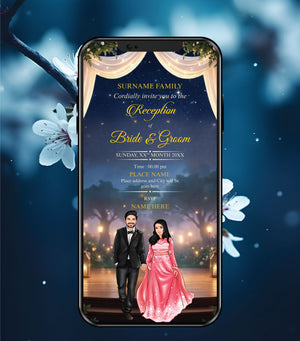
Add this QR code to a professional InviteMart invitation
Pick a design, paste your wording and our designers personalise it. First draft on WhatsApp within 4–6 working hours for eCards, about 24 working hours for videos.
Browse Digital Wedding Invitation Card →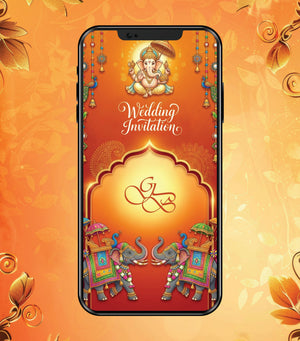

How to use
- Choose what the QR code should open: your venue on Google Maps, any link, a WhatsApp chat for RSVP, or plain text.
- Paste the link (or number), choose a colour and add a caption such as “Scan for location”.
- Tap Create QR code and download it as PNG or SVG.
How to get your venue’s Google Maps link
Open Google Maps, search for the venue, tap Share and copy the link. Paste it into the tool.
Tips for QR codes on invitations
- Always scan the code with your phone to test it before sending the invitation.
- Keep it large enough to scan — at least the size of a thumbnail on a phone screen.
- Dark colours on a white background scan best.
Frequently asked questions
Is this tool free?
Yes. It is completely free, needs no sign-up, and runs in your browser — nothing you type is sent to us.
Do these QR codes expire?
No. The QR code holds your link directly, so it keeps working as long as the link itself works.
Can InviteMart add the QR code to my invitation?
Yes. Add the Google Map location or QR code option (₹99) when you order a wedding invitation, or send us this QR code with your details.
More free invitation tools
- Wedding Invitation Wording Generator
- Hindi Invitation Wording Generator
- Griha Pravesh Message Generator
- Nikah Invitation Message Generator
- Birthday Invitation Message Generator
- Wedding Hashtag Generator
- RSVP Message Generator
- Save the Date Generator
- WhatsApp Invitation Message Generator
- Wedding Countdown Generator
- All free tools